While you type
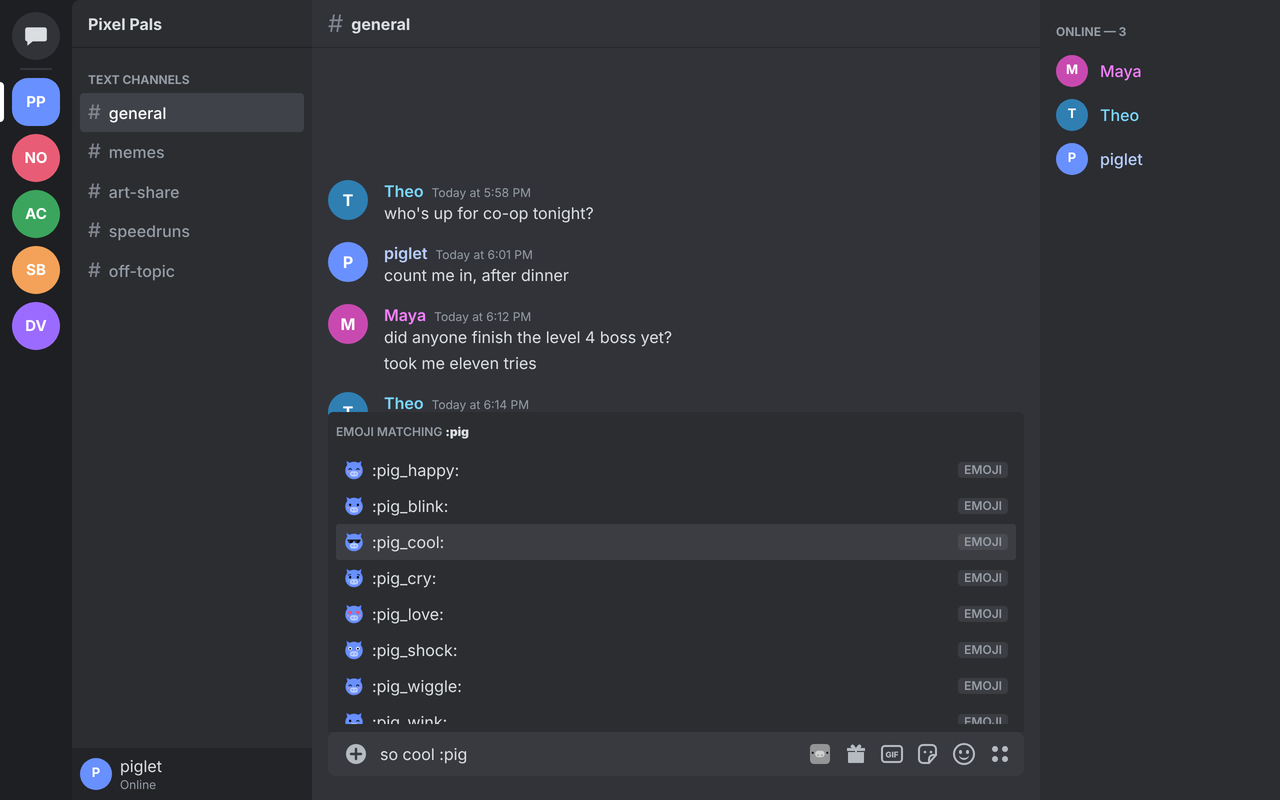
Type :name and send it
Your items show up in Discord's own suggestions as you type, emojis, stickers and GIFs alike. The arrow keys reach them, Enter sends, Tab adds one without sending.
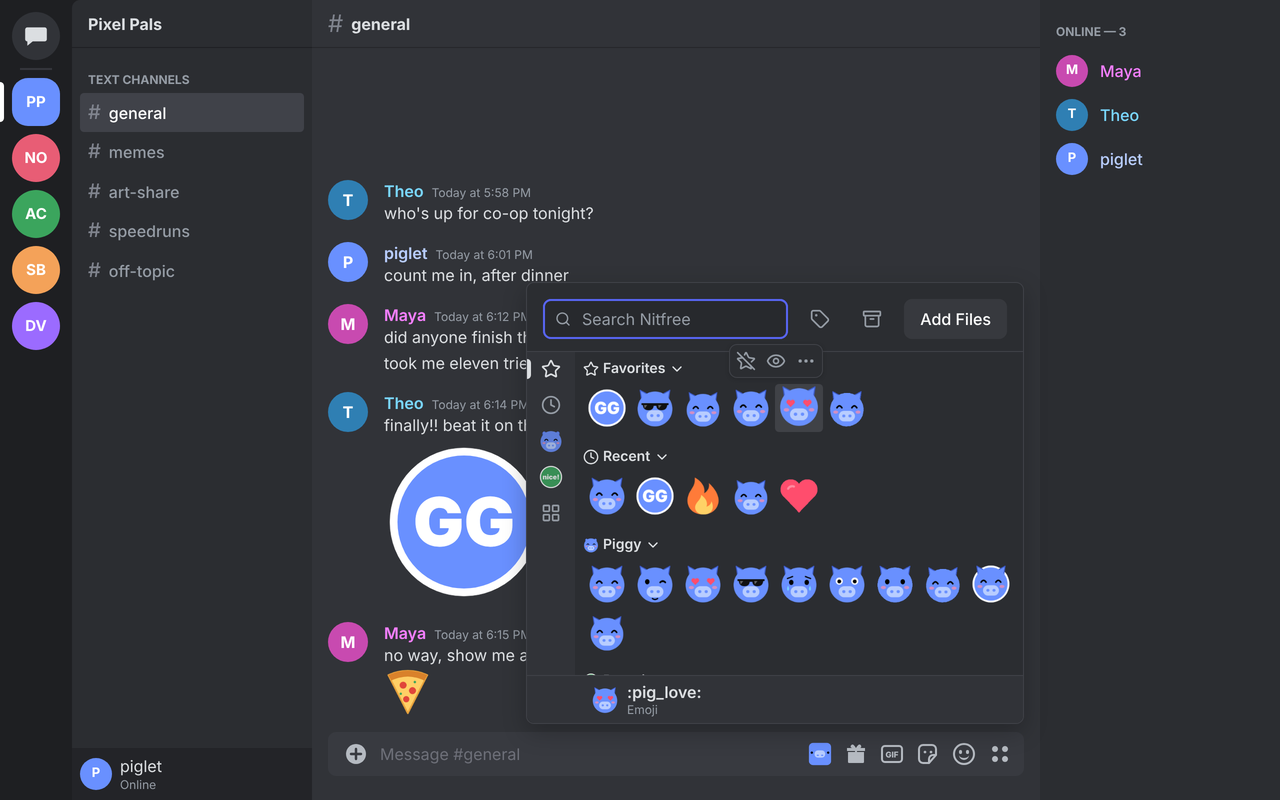
Nitfree keeps your library in your browser and adds it to Discord's chat bar and emoji picker, with favorites, recent picks and your packs one click away. Search it, type :name, or press Ctrl+Alt+N.
While you type
:name and send itYour items show up in Discord's own suggestions as you type, emojis, stickers and GIFs alike. The arrow keys reach them, Enter sends, Tab adds one without sending.
From chat
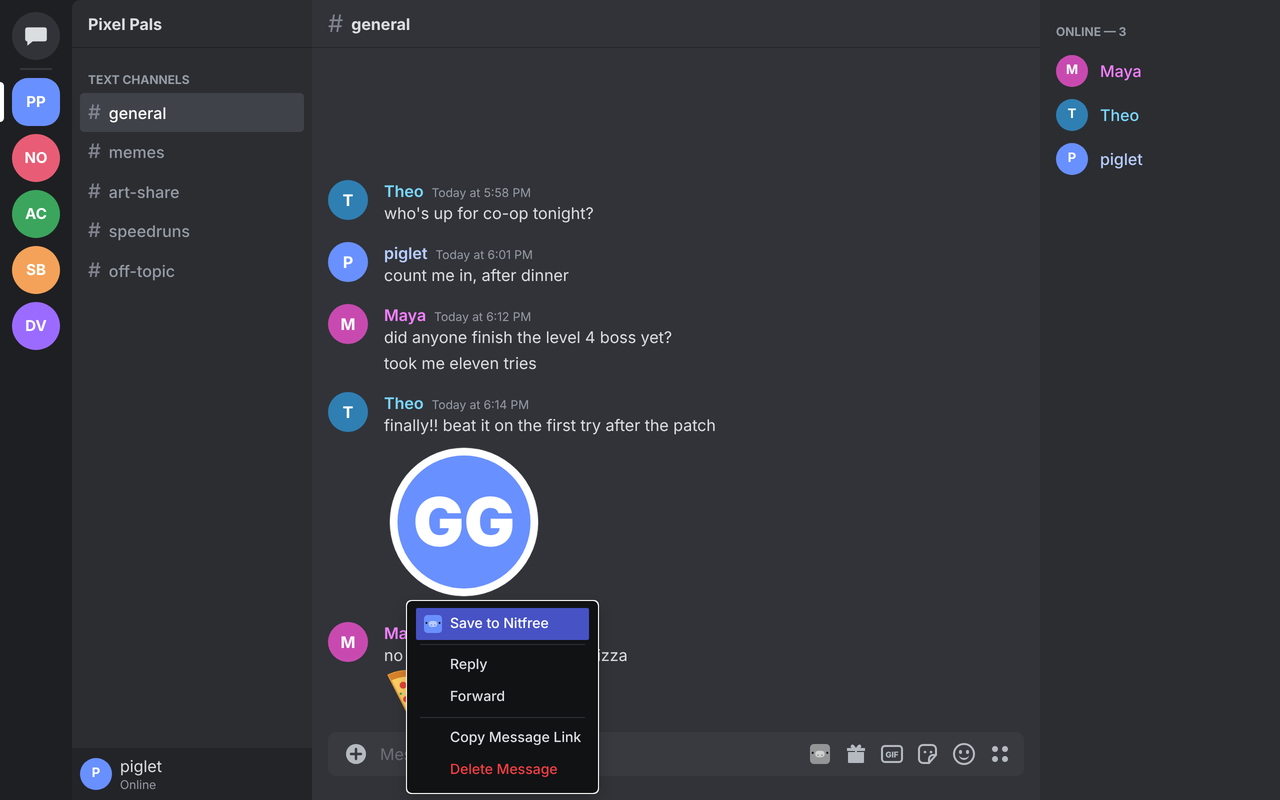
Right-click a custom emoji, a sticker or an image in a message and pick Save to Nitfree. Name it, tag it, and it is yours to send anywhere.
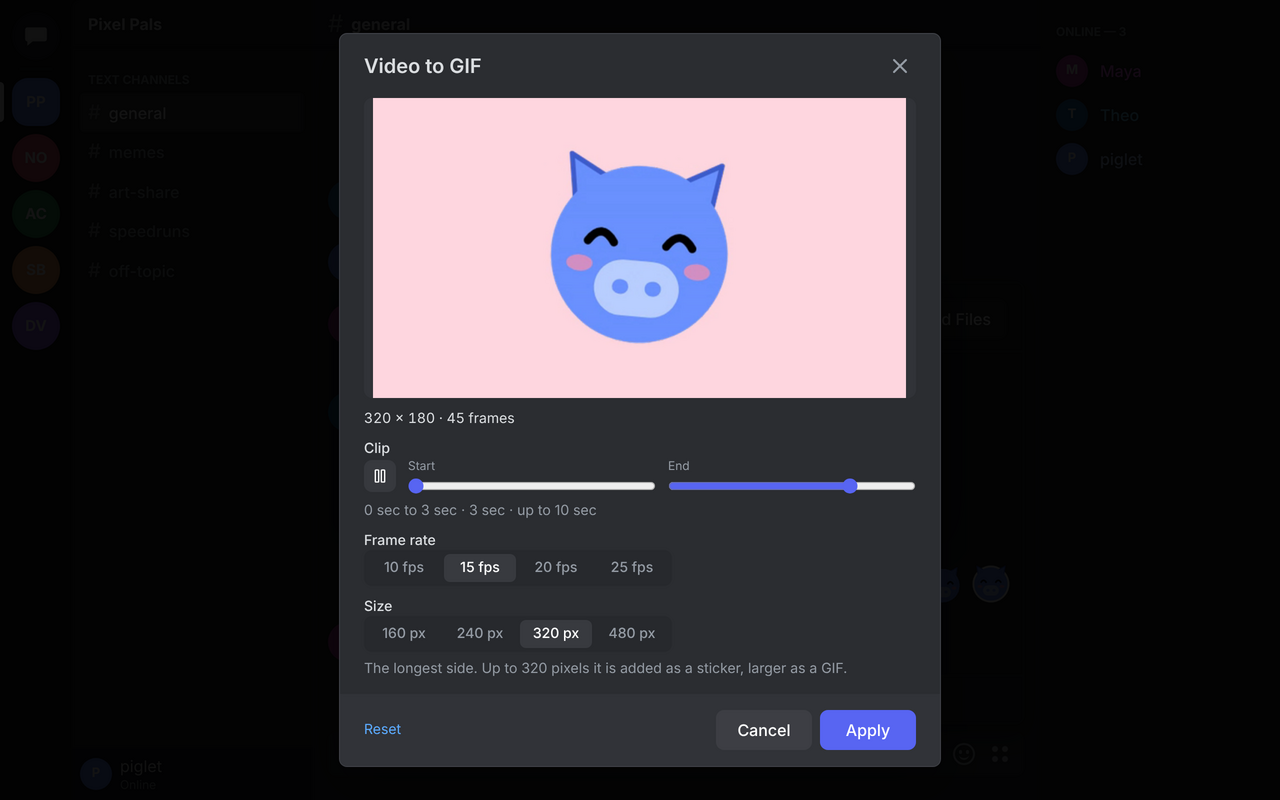
Make your own
Drop an MP4 or WebM, pick the part you want, the frame rate and the size. Crop images, trim an animation's frames, or clear a background, all without leaving Discord.
Free themes
Put a gradient behind Discord, change its accent color, or add your own CSS snippets, from Nitfree's popup. Every open Discord tab follows at once.
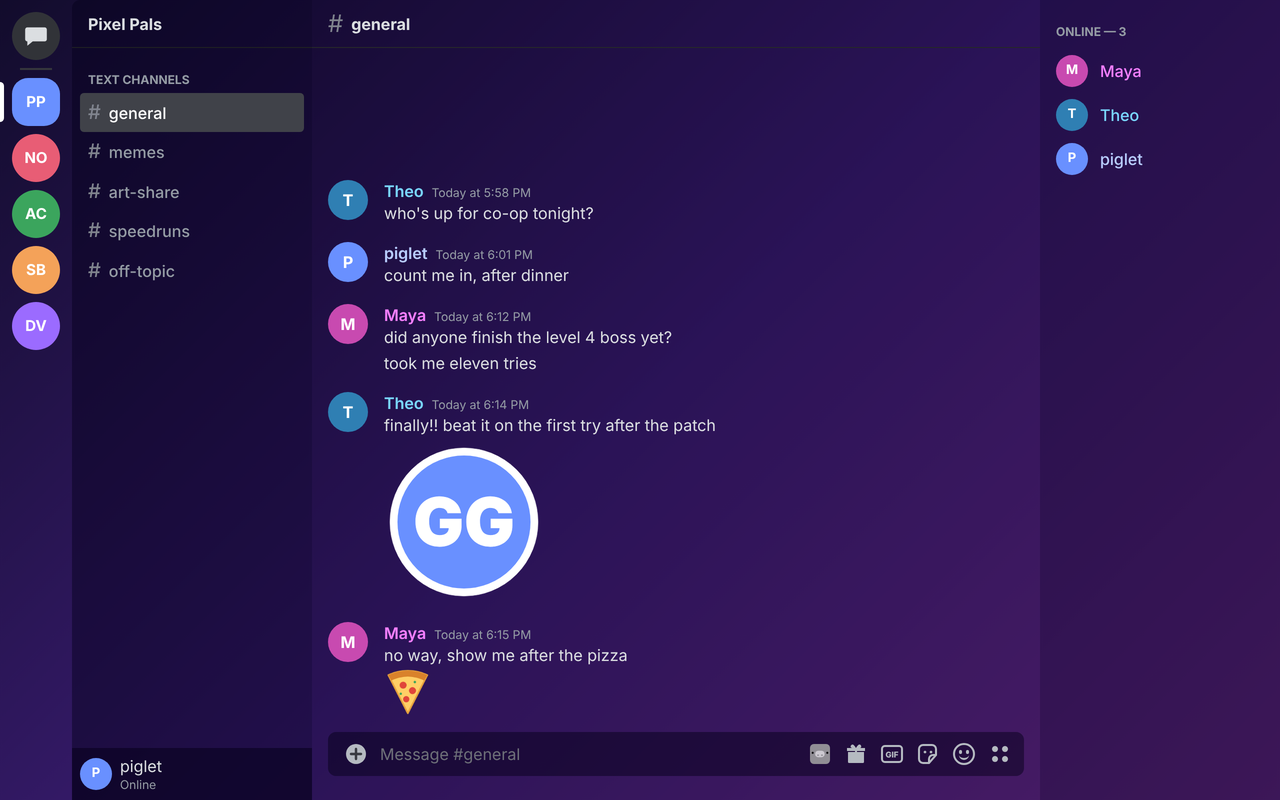
Group items into packs, each a section of the panel, and share a pack as one .nitfree file.
Find identical files and resized or converted copies, and keep one with the others' tags and favorites.
Export everything to one file and import it anywhere, or bring in a zip or folder of images, with folders as tags.
See what your library takes, clear cached copies, and ask the browser to keep it when the disk runs low.
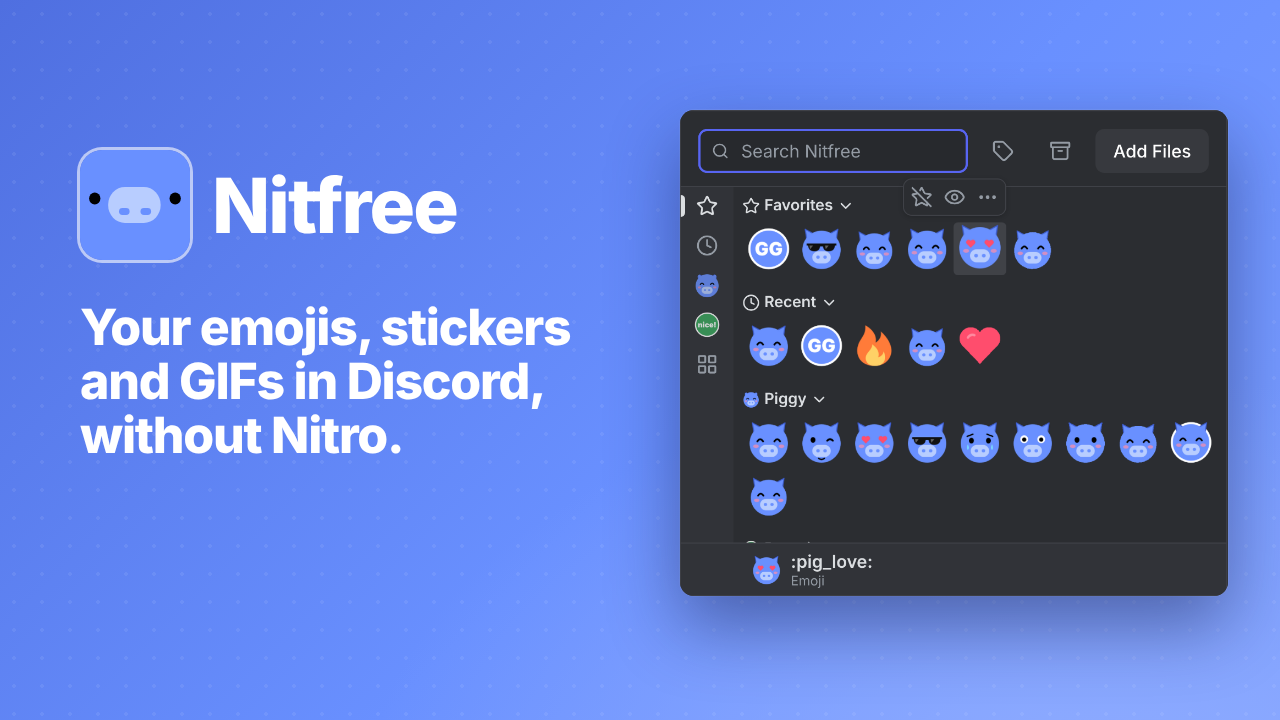 Play the Nitfree trailer
Playing it loads the video from YouTube.
Nitfree has no servers, no account, no analytics and no tracking. Your library, your settings and your themes stay in your browser, on your device.
Read the privacy policy